| Author | IMSI/SoftDev | [Prev] [Next] by Author |
| Category | Graphic - Create | [Prev] [Next] by Category |
| Keywords: | ||
| Type (Source?) | Macro (VBA) | |
| Licence | Freeware | |
| Status | To be reviewed |
Description
This example shows how to use the selection object, access data within the selection, create a group graphic, unselect and delete the old graphic and finish with the new graphic selected.
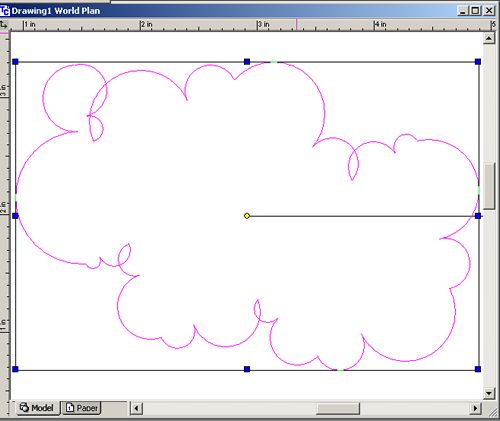
To run this macro you need a polyline selected. The macro will create a cloud from the vertices in the polyline.
Objects used in this example: Drawing, Graphic, Graphics, Selection, Vertex, and Vertices.
Build Instructions
Download and unzip the archive. Add a new project named "Cloud" to any TurboCAD drawing, and attach the Cloud.tcm file. Draw and then select the polyline. Run the Cloud macro to convert the polyline into a cloud.